
 MeshLine
How to save money on SaaS by replacing manual coordination with automation
Teams often try to save money by canceling software, but the bigger savings usually come from removing the manual coordination that made those tools necessary.
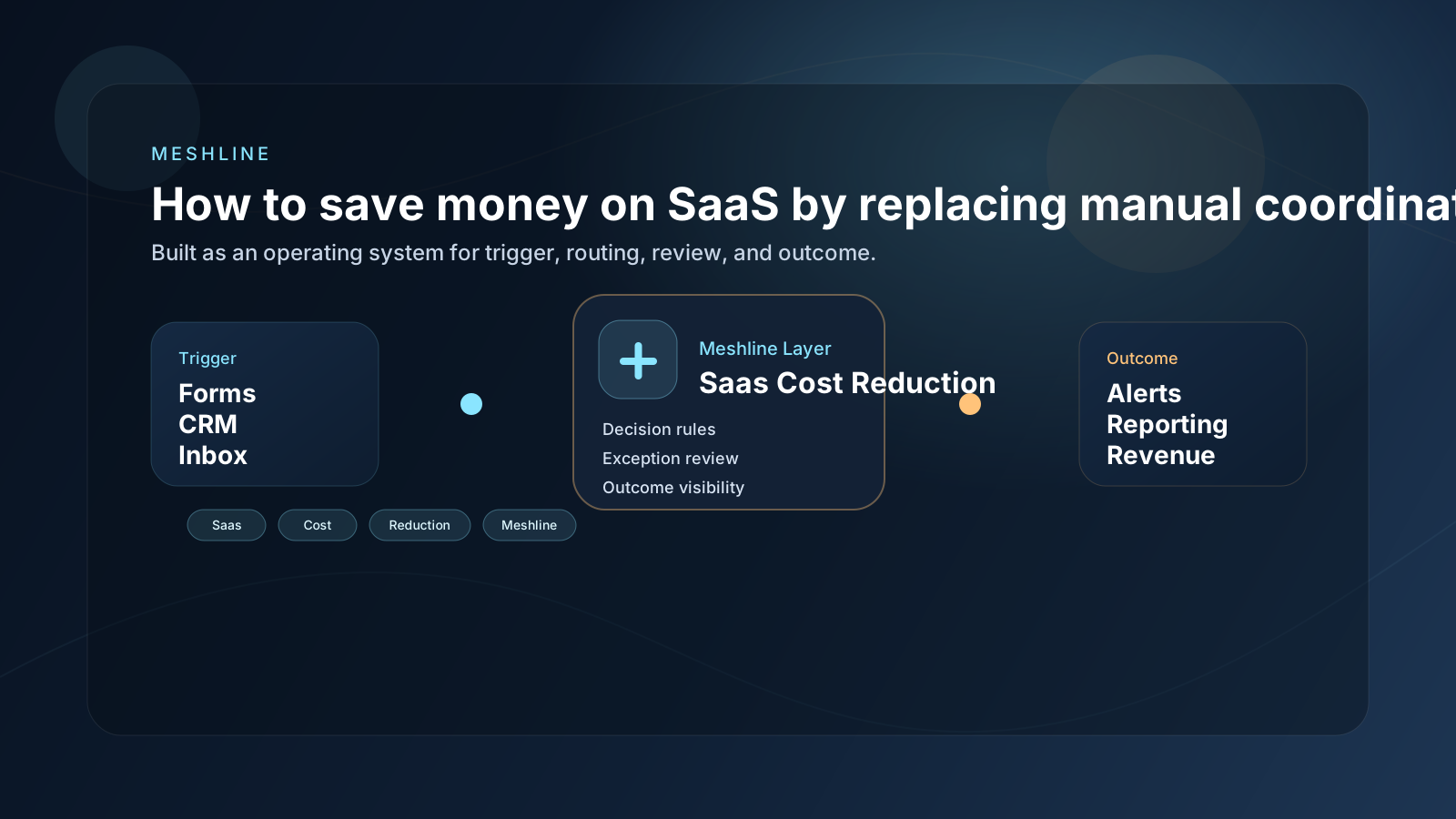
How to save money on SaaS by replacing manual coordination with automation
Teams often try to save money by canceling software, but the bigger savings usually come from removing the manual coordination that made those tools necessary.
Most teams searching for "how to save money on saas with automation" do not actually have a tooling problem first. They have a coordination problem. Work gets stuck between intake, approval, routing, and reporting, so the business keeps paying for extra apps and extra human effort just to move one task from one stage to the next.
That is why the same stack can include Zapier, Make, Slack, HubSpot, Notion, Airtable and still feel manual. Each tool might handle one piece of the job, but nobody owns the full path from trigger to outcome.
How to save money on SaaS by replacing manual coordination with automation is really about reducing duplicate field ownership. If budget status, request owner, approval state, and final outcome all live in different tools, the company pays for software overlap and manual reconciliation at the same time.
Why this workflow keeps leaking time and money
The failure usually starts in the handoff layer. A form is submitted, a CRM changes, a spreadsheet gets updated, or a manager drops a note in chat. Then the team has to interpret what that event means, decide who owns it, and manually push the next step forward.
That is expensive because saas cost reduction is rarely just one action. It is a chain of small decisions. When those decisions live in people instead of the system, the company ends up paying for delay, missed follow-up, duplicate data, and more software to patch over the same gap.
What a better operating model looks like
A useful workflow system does four things well:
- It captures the real trigger once.
- It decides what should happen next without asking a person to translate context between apps.
- It routes work to the right queue, owner, or approval step.
- It records the outcome so reporting reflects what actually happened.
That is the difference between a bundle of apps and an operating layer. The bundle still needs people to be glue. The operating layer removes the glue work.
How to use Meshline for saas cost reduction
1. Start with the trigger
Document the exact signal that starts the workflow. Do not start with the downstream task board. Start with the moment the business first knows the work exists.
2. Encode the decision path
Most wasted effort happens because the team has to decide the same things repeatedly. Is this qualified, urgent, billable, approved, or ready for handoff? Put those decisions into the system so the next step is predictable.
3. Review exceptions, not routine work
Operators should step in when judgment matters. They should not be moving every record, updating every status, or chasing every teammate for context.
4. Make the outcome visible
A workflow is not complete when a task changes tools. It is complete when the downstream outcome is visible to the people who depend on it.
A practical example
Imagine a business where new work enters through a form, the details land in a CRM, the team gets notified in chat, and reporting updates at the end of the week. On paper, that sounds organized. In practice, it often depends on one person checking whether the record is complete, another person deciding who owns it, and someone else updating the final status later.
That is why how to save money on saas with automation is really about system design. The company does not need another thin point solution. It needs one execution layer that keeps the workflow moving from the first signal to the last outcome.
A practical implementation would validate owner, priority, approval threshold, and completion state before downstream routing happens. If any of those fail, the record should enter an exception queue instead of generating more side tools or more follow-up labor.
A realistic example is a budgeting request that starts in HubSpot, routes approval through Slack, creates follow-up work in ClickUp, and lands in Airtable for finance visibility. If budget owner, approval status, and completion state are not authoritative, the company keeps paying for SaaS to preserve ambiguity.
Another named-system example is a renewals workflow where Salesforce tracks contract timing, Slack handles finance approval, Notion stores the operating brief, and Airtable updates the cost dashboard only after the customer state is final. If contract owner, discount threshold, or approval status drift between those tools, the business pays for extra software and extra reconciliation at the same time.
How to save money on SaaS with automation
The checklist to diagnose the bottleneck
- Where does the workflow begin?
- Where does a human still have to translate or retype information?
- Which steps require approval and which should be automatic?
- Where does the team currently lose visibility?
- Which tools are only being paid for because the handoff is broken?
If you can answer those questions clearly, you can usually simplify the stack without losing capability. If you cannot, the workflow is still scattered across too many surfaces.
Why the usual software-buying pattern fails
Teams often buy one more app because it seems faster than redesigning the workflow. That works for a week, then the new tool creates one more login, one more sync rule, one more billing line, and one more place where context can drift.
The hidden cost is not only subscription spend. It is the time people spend coordinating around the toolset. That is why Meshline is useful in this category. Tie SaaS savings to reduced coordination cost, fewer overlapping subscriptions, and one Meshline execution layer.
Where Meshline fits
Meshline is not meant to replace every application in the stack. It acts as the operating layer across the stack so triggers, routing, approvals, and outcomes stay connected. That means you can keep the tools that already matter while removing the manual coordination that makes them feel expensive.
Final takeaway
The fastest path to better operations is usually not buying one more app. It is designing saas cost reduction as one system, then letting the system do the repeatable work. When trigger, decision, review, and outcome live in one Meshline flow, teams get back hours, reduce software overlap, and make the business easier to run.
Where SaaS waste actually comes from
Founders often audit the software bill and assume savings will come from canceling licenses. That can help, but it misses the larger cost center. The real waste appears when one subscription exists only because another system cannot handle the workflow cleanly, or when the team needs extra coordination work to make all the subscriptions behave together.
In that situation, the company is paying twice: once in software spend and once in labor. A cheap tool can still be expensive if it adds confusion, duplicate work, or review overhead. A more integrated operating model often lowers total cost even before the first cancellation happens because the team stops burning time on coordination.
The smarter cost-cutting sequence
The stronger play is to map the workflow first, then identify which subscriptions are only patching broken handoffs. Once Meshline owns the routing and decision path, the business can cancel overlapping tools with much less risk. That sequence matters because cutting apps before fixing the workflow often just shifts the problem back onto people.
Teams usually pair that transition with Workflow Orchestrator, Event Routing Console, and the Automation glossary so SaaS reduction follows a visible control model rather than a spreadsheet-only cost exercise.
What to cancel last, not first
The safest approach is to cancel the tools that only existed to bridge broken handoffs after the workflow is stable. That way the business captures savings without creating a new gap. Cost reduction works best as a result of better system design, not as a substitute for it.
Seen that way, automation is not just a speed project. It is a margin project. The company lowers subscription overlap and protects team capacity at the same time.
That is the kind of savings that lasts because it comes from cleaner execution, not just a temporary budget cut.