
 MeshLine
How to stop paying for tools that only solve one small part of the workflow
Software bloat rarely comes from one bad decision. It comes from buying point solutions for handoffs that should belong to one operating system.
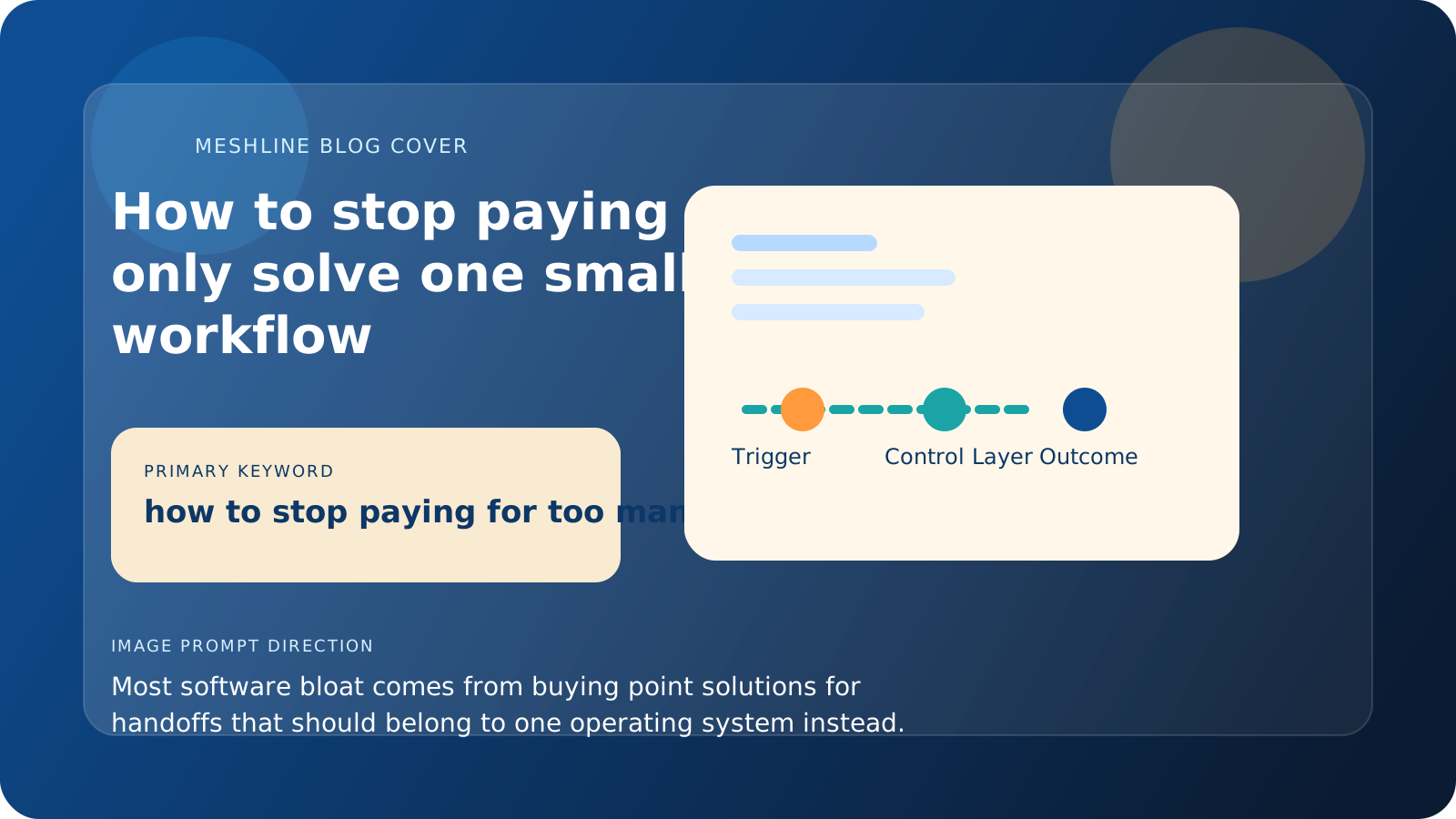
How to stop paying for tools that only solve one small part of the workflow
Software bloat rarely comes from one bad decision. It comes from buying point solutions for handoffs that should belong to one operating system.
Stop paying for tools that only solve one small part of the workflow
The fastest way to stop paying for tools that only solve one small part of the workflow is to replace fragmented handoff logic with one operating system that owns routing, approvals, and final outcome state.
One tool solves intake. Another solves approvals. Another solves task creation. Another solves reporting. Another sends alerts because the first four still do not create one visible workflow. Before long, the company is paying for five narrow fixes and still spending hours every week stitching them together.
That is why the real cost of too many tools is not just software spend. It is software spend plus coordination spend.
Meshline's view is that point solutions become expensive when they own a tiny slice of logic but none of them own the full path from trigger to outcome. The company then hires people to reconcile status, duplicate fields, and approvals that should have been system behavior.
Why point solutions multiply faster than leaders expect
A point solution usually gets approved because it promises one immediate improvement. That promise is often true.
Zapier can reduce one handoff. Notion can centralize documentation. Slack can speed up communication. ClickUp or Asana can structure task work. Airtable can organize records. Monday.com can make workflow status more visible. HubSpot or Salesforce can stabilize customer data.
The problem is that each tool often solves only one small slice of the workflow. Once you depend on several of them together, the business still needs a human layer to interpret events, route work, confirm ownership, and explain the outcome.
A realistic example is a business using HubSpot for intake, Slack for approvals, ClickUp for tasks, Airtable for records, and Monday.com for executive visibility. If a request still needs a person to decide who owns it, whether it is complete, and when it is done, those tools are not reducing coordination. They are redistributing it.
The hidden cost is not the monthly fee
Leaders usually focus on the subscription line items because those are easy to see. The larger cost is harder to spot.
Every time someone copies data from one app to another, waits for approval because the workflow state is unclear, or sends a manual update to explain what happened, the business is paying operational interest on its tool sprawl.
That interest grows over time. More tools create more handoffs. More handoffs create more uncertainty. More uncertainty creates more follow-up, more exceptions, and more shadow reporting.
The field-level version of this problem is even more expensive. One app stores owner, another stores stage, another stores approval status, and a fourth stores the number leadership trusts. Those duplicates make every new tool look helpful at first and risky later.
A practical way to tell whether a tool is actually helping
Ask four questions.
- Does this tool own a core workflow or just one narrow step?
- If we removed it, would the workflow still be understandable?
- Does it reduce human interpretation, or does it only shift where the interpretation happens?
- Does it create a cleaner operating model, or does it add another layer of patchwork?
If the answer to the last two questions is no, the tool may be solving a symptom while making the system more expensive.
Trigger, owner, exception path, and outcome
A healthier buying decision starts with the workflow. Trigger: what exact event starts the work. Owner: who is accountable for the next movement step. Exception path: where missing data, conflicting approvals, failed writes, or duplicate records go. Outcome: what counts as complete and which system records it. If a new tool does not make those four things clearer, it probably belongs on the chopping block rather than the purchase list.
In practice, that means documenting the fields that actually govern the workflow: owner, stage, approval status, due date, and final disposition. If those values live in five separate tools with no reconciliation rule, the company is paying for point solutions to create ambiguity faster.
What a healthier stack looks like
A healthier stack is not a smaller stack just for the sake of it. It is a stack where the workflow has one visible control model.
That means the business can see:
- what triggered the work
- what rules decide the next step
- who owns the exception path
- how the outcome is confirmed
When those pieces belong to one operating layer, other tools can keep doing what they are best at without becoming the glue that holds the workflow together.
Where Meshline fits
Meshline helps when the company does not need more narrow software. It needs one operating layer that sits above the stack and turns that stack into one system.
That changes the buying logic completely. Instead of adding another app every time a handoff breaks, the company gives the workflow a place to own routing, decision logic, visibility, and execution control.
That is how the stack gets cheaper over time. Not because every tool disappears overnight, but because the business stops buying new tools for problems that should have been solved at the system level.
Teams usually pair that approach with Workflow Orchestrator, Event Routing Console, and the Automation glossary so the buying rule, routing logic, and operating language stay aligned as the stack changes.
Point-solution replacement checklist
- Trace one workflow from trigger to final outcome before renewing another narrow tool.
- Name the authoritative fields and where they can be changed.
- Add one visible exception queue instead of solving every miss with a new app.
- Keep retry and reconciliation rules documented alongside the workflow.
- Cancel the tools that only exist to patch missing operating logic.
Why narrow fixes become stack-wide problems
A tool that solves one small pain can still create broader operational drag if it introduces another interface, another sync, or another place where someone has to verify what happened. That is why narrow fixes often spread beyond their original purpose. The business starts depending on them to preserve continuity the core workflow never had.
The real test for a point solution
The best test is whether the tool improves the whole path from trigger to outcome or only makes one local step feel cleaner. If it only improves one isolated moment, the business should check whether it is masking a deeper design issue.
What a stronger buying rule looks like
Before adding another product, ask which workflow it is protecting, what decision path it changes, and whether the same outcome could be achieved by strengthening the operating layer instead. That rule alone can prevent a lot of software drift.
Why consolidation helps morale too
Bloated stacks do not just cost money. They make work feel harder. Teams spend more time checking systems, chasing context, and wondering which tool actually owns the truth. A simpler operating path gives people more confidence and less friction every day.