
 MeshLine
How to make your business run cheaper by consolidating workflow software
Workflow software gets expensive when every broken handoff turns into another app. The cheaper model is one operating layer with fewer overlapping tools.
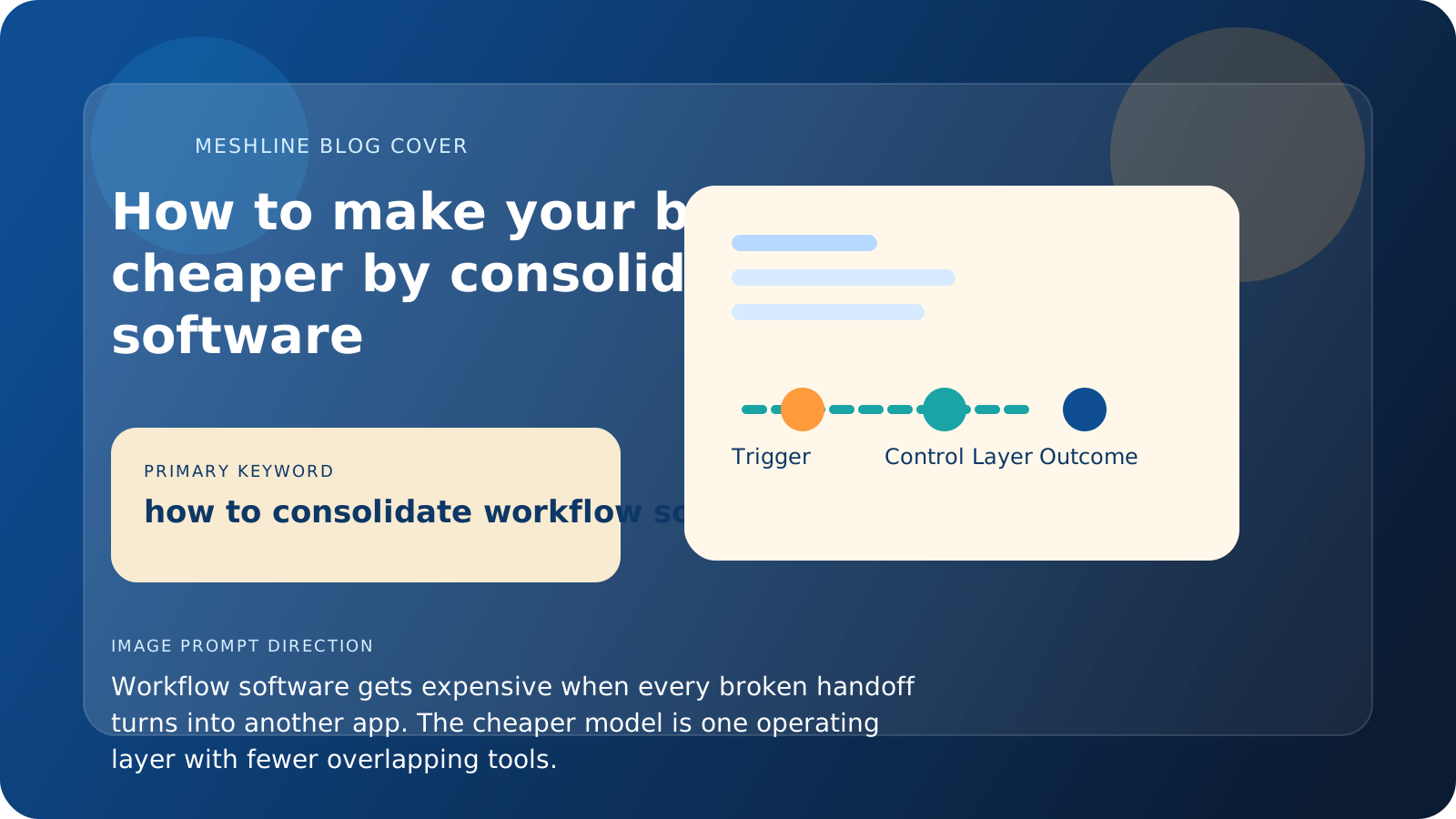
How to make your business run cheaper by consolidating workflow software
Workflow software gets expensive when every broken handoff turns into another app. The cheaper model is one operating layer with fewer overlapping tools.
The stack becomes really expensive when every broken handoff turns into another app, another automation, another dashboard, or another reporting workaround. At that point, the business is paying for both software and the labor required to make that software usable.
That is why software consolidation is not just a finance exercise. It is an operating design exercise.
Meshline's view is that most companies do not overspend because they bought the wrong first tool. They overspend because workflow logic gets copied into too many places: an alert in Slack, a status in Airtable, a fallback in Zapier, a handoff in Asana, and a reporting patch in a spreadsheet. That duplication is what makes the stack expensive to operate.
Why workflow software costs more than the invoice suggests
Zapier, Make, n8n, HubSpot, Salesforce, Slack, Notion, Airtable, ClickUp, and Asana can all be useful tools.
The problem is not that these tools are bad. The problem is that many teams keep adding them without changing the operating model underneath.
That creates three cost layers:
- subscription cost
- setup and maintenance cost
- coordination cost between tools
The last one is often the most expensive and the least visible.
A common pattern is a marketing team using HubSpot for intake, Slack for approvals, Airtable for campaign status, Asana for tasks, and Zapier to glue them together. Each tool seems justified on its own. But if a campaign owner still has to reconcile status manually, re-enter missing fields, or ask who approved the asset, the stack is paying software costs and coordination costs at the same time.
What software overlap really looks like
Software overlap is not just two apps doing the same obvious job.
It is also:
- one tool storing status while another tool stores a second version of status
- one tool sending alerts because another tool cannot express ownership clearly
- one tool producing reports because the workflow itself cannot expose reliable state
- one tool existing only to bridge two other tools
When those patterns appear, the stack is usually compensating for a missing execution layer.
Field-level overlap is where the hidden cost usually starts. One tool owns lifecycle stage, another owns task status, a third stores approval state, and none of them agree when the workflow changes. Teams then buy more software to patch the mismatch instead of deciding which system should be authoritative.
The cheaper model is not fewer tools at all costs
Some companies hear consolidation and assume it means forcing everything into one app. That is rarely the right answer.
The cheaper model is keeping the right specialist tools while removing the overlap, glue work, and duplicate control logic between them.
That means the question is not how few tools can we survive with. It is which part of the workflow should belong to one operating layer instead of being rebuilt in every app.
Trigger, owner, exception path, and outcome
The easiest way to evaluate software consolidation is to trace one real workflow. Trigger: a request, order, lead, or approval event enters the business. Owner: one team or operator is clearly responsible for moving the next decision forward. Exception path: missing fields, low-confidence routing, approval changes, and duplicate records move into a visible queue instead of becoming chat debt. Outcome: the workflow completes with one shared state that reporting and operations both trust.
If that sequence is still spread across five tools and three duplicate status fields, the business is paying too much regardless of license count.
Where Meshline fits
Meshline helps when the company wants to make execution cheaper without ripping out every tool it already uses.
Instead of replacing the entire stack, Meshline can sit above the stack and turn it into one controlled operating system. That reduces the need for extra bridge tools, duplicate automations, and manual coordination.
The cost advantage comes from cleaner execution:
- fewer overlapping subscriptions
- fewer hours spent debugging handoffs
- fewer manual reporting fixes
- fewer new tools bought just to patch one narrow workflow break
This is also why consolidation should be workflow-first, not procurement-first. Start with the workflow that has the most duplicate fields, the most approval confusion, or the most manual reconciliation. Once the operating path is clear, it becomes obvious which tools are still essential and which ones only exist because control was fragmented.
Why operating cost matters more than app count
A stack can have relatively few tools and still be expensive if the workflow between those tools is messy. It can also have several important systems and still be efficient if one operating layer keeps the logic clear. That is why counting apps is a weak measure of cost maturity.
The better question is how much manual coordination the business still needs to keep those apps coherent.
A practical workflow software consolidation example
Imagine an agency running lead intake through HubSpot, approvals in Slack, campaign tasks in Asana, and reporting in Airtable. The trigger is a qualified inbound request. The workflow should validate required fields such as owner, budget range, service type, and due date before a project is created. If the request is missing budget data or has conflicting ownership, it should move to an exception queue instead of spawning duplicate tasks. If the data is complete, the system can create the project, notify the correct owner, and update the reporting state once without asking anyone to copy status across tools.
That example is more useful than a software inventory because it shows where the cost really lives: duplicate mapping rules, retry behavior, approval ambiguity, and manual reconciliation.
Where savings usually appear first
The first savings often show up in fewer recovery steps, not fewer subscriptions. Teams spend less time checking whether records moved, less time cleaning up reporting, and less time following up on approvals. Once those savings are visible, the overlapping software becomes easier to remove confidently.
In practice, the first wins usually come from replayable workflows and cleaner ownership, not from deleting licenses on day one. When operators can see the failed payload, the blocking rule, the owner of the correction, and the final outcome in one place, recovery becomes cheaper immediately.
Why consolidation is really about control
Cost reduction is the outcome most leaders notice first, but control is usually the deeper benefit. When the business can explain the workflow clearly, it can make better buying decisions, onboard people faster, and expand the system with less risk.
Workflow software consolidation checklist
- Name the authoritative system for each critical status and field.
- Trace one business-critical workflow from trigger to outcome before removing tools.
- Document the owner of each exception path, not just the happy path.
- Remove apps that only exist to patch visibility or duplicate state.
- Keep one visible run history so failed automations can be replayed safely.