
 MeshLine
How to automate workflows without adding another tool
Most workflow problems come from broken handoffs, not a lack of software. The smarter move is to make the existing stack behave like one system.
How to automate workflows without adding another tool
Most workflow problems come from broken handoffs, not a lack of software. The smarter move is to make the existing stack behave like one system.
A new form tool solves intake. A new automation tool solves one handoff. A new dashboard solves visibility for one manager. A new project board solves one approval trail. On paper, every purchase looks rational. In practice, the team ends up operating a pile of tools that still depends on people to notice, route, confirm, chase, and reconcile the work.
That is why the question "how do I automate my workflows?" is usually the wrong first question. The better question is this: how do we make the workflow behave like one system without adding more software rent?
Meshline's view is that workflow automation without adding another tool only works when the existing stack gets one decision layer. Otherwise the company keeps the same broken handoffs and simply asks people to manage them more carefully.
The non-obvious market claim is that most teams do not have an automation deficit. They have an orchestration deficit. They already own enough software to run the work, but they do not have one trigger-to-outcome system that keeps decisions, ownership, and reporting aligned as the workflow moves.
Why adding another tool usually makes the workflow worse
When teams keep layering tools, they create three hidden costs.
First, they create routing debt. One event in a form, inbox, or CRM has to be interpreted by a human before the next system knows what to do.
Second, they create context loss. The person reviewing a task in Slack, Notion, Asana, or ClickUp often has to reconstruct why the work exists, what changed, and what result is expected.
Third, they create control debt. A team can see isolated steps inside Zapier, Make, Airtable, Monday.com, or a CRM like HubSpot, but they still cannot explain the complete operating path when something breaks.
This is why many companies say they already automated the workflow and still feel like they are doing manual operations all day.
A concrete example is a request that starts in a form, becomes a contact in HubSpot, triggers a Slack alert, creates an Asana task, and ends in an Airtable report. If owner, priority, approval state, and completion status live in different tools, the workflow still depends on a person to reconcile the story.
Another named-system example is a customer onboarding flow where Webflow captures the request, HubSpot owns qualification, Slack signals only exception-worthy approvals, ClickUp tracks delivery, and Google Sheets updates the final milestone. If owner, SLA tier, and final status are not governed from one decision layer, the company has added automation activity without actually removing manual coordination.
A third named-system example is a finance-ops workflow where a Stripe payment creates the trigger, HubSpot stores the customer state, Slack only alerts the approval owner for refund exceptions, and Notion tracks the final disposition for reporting. If refund reason, account owner, or resolution status still have to be copied between those systems, the business has automated motion without automating the operating logic.
What automation looks like when you stop buying point solutions
A healthy workflow does four things well.
It captures the trigger.
It decides what should happen next.
It routes the work to the right system and person.
It makes the outcome visible without requiring someone to ask for an update.
That means good automation is not just an integration. It is a decision path.
That decision path should specify which fields are authoritative, which validations happen before routing, how retries behave, and where exceptions go. Without those rules, the stack only looks automated on the surface.
For example, imagine a team receiving inbound requests through a form. The form is not the problem. The problem is what happens after the form lands.
Does the request get qualified?
Does the right owner get notified?
Does the work move into execution automatically?
Does reporting update when the work is complete?
If the answer to any of those depends on a person checking two or three separate apps, the workflow is not automated. It is only partially digitized.
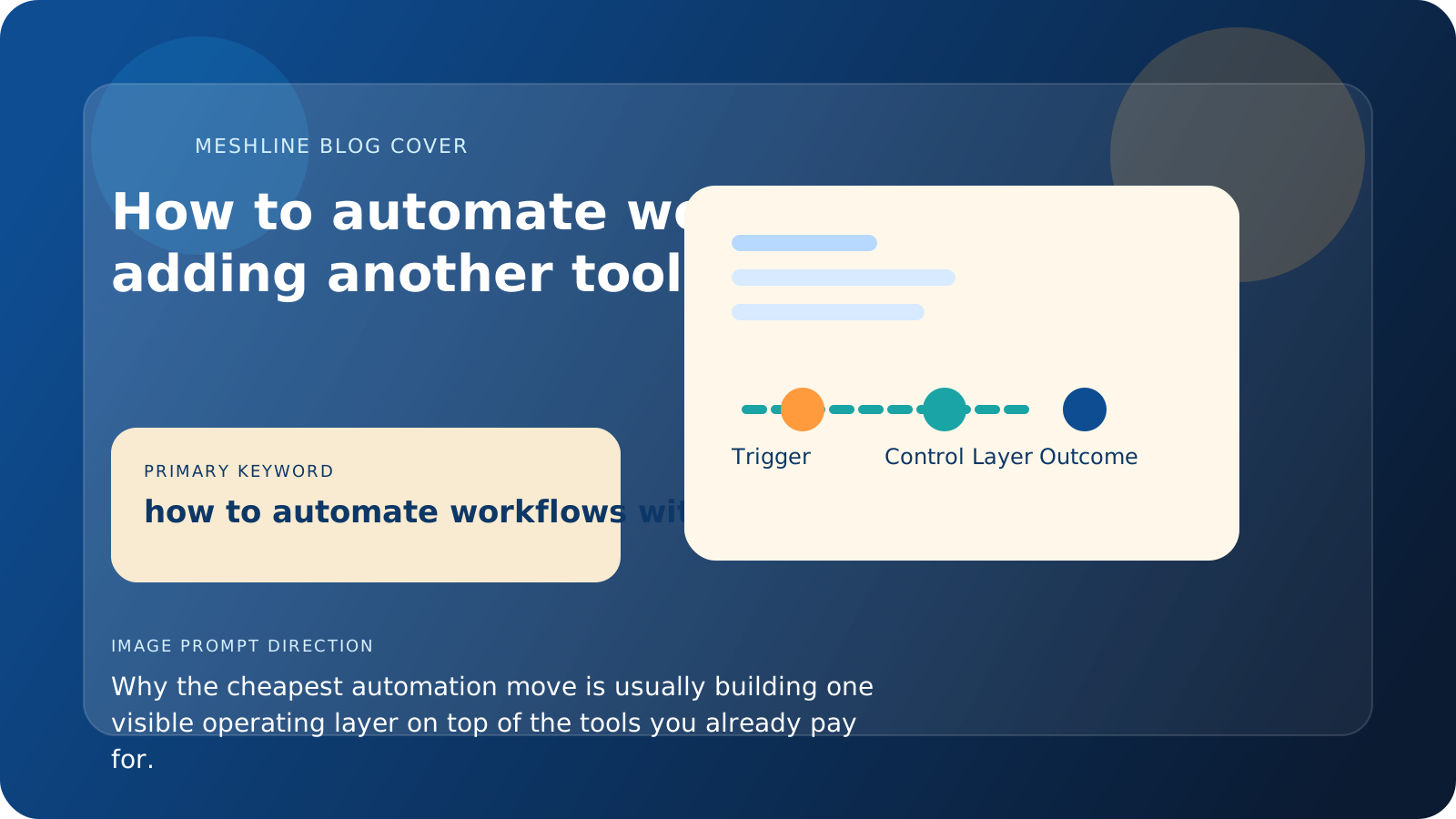
Trigger, owner, exception path, and outcome
A useful way to automate workflows without adding another tool is to map four things. Trigger: the exact event that starts the workflow. Owner: the role responsible for the next movement step. Exception path: the queue for incomplete records, failed writes, approval conflicts, or duplicate data. Outcome: the final state that updates reporting and closes the loop. If those four are still scattered, another tool will not save the design.
Teams usually make that practical with Workflow Orchestrator, Event Routing Console, and the Automation glossary, which gives the existing stack one visible operating model instead of one more narrow surface.
That is also where Meshline becomes more than a connector layer. It acts as Autonomous Operations Infrastructure: one execution layer with visible control over routing, approvals, retries, and outcome state. The point is not to hide the stack. The point is to make the stack behave like one governed system.
The better model: keep your tools, add an operating layer
This is where Meshline fits.
Meshline is useful when the business does not need a completely new software stack. It needs an operating layer that keeps the existing stack connected as one visible system.
That means you can keep the tools your team already knows, while giving the workflow one place for trigger routing, review logic, decision handling, and outcome visibility.
The real difference is execution quality. A fragmented stack asks operators to notice what failed. A real operating layer makes failure state, owner changes, blocked approvals, and final outcomes visible before the business pays for them in labor or missed follow-up.
Instead of buying yet another specialist app, you make the stack behave like one coordinated system.
The practical advantage is not just convenience.
It is cost control.
If one system can coordinate what currently requires multiple overlapping tools, you reduce duplicate subscriptions and the invisible labor that goes with them. Teams often talk about software spend as if the monthly bill is the whole problem. It is not. The more expensive line item is usually the time your team burns acting as human middleware between tools.
A real failure pattern most teams recognize
Here is a common example.
A lead enters through a form. The data lands in a CRM. A rep gets a message in chat. A manager wants to approve next steps. A project tool needs the final task. A report needs the closed-loop result.
If that chain crosses five tools and two people have to move information manually, the workflow still depends on attention, memory, and follow-through. One missed notification creates a stale CRM record. One stale CRM record creates a bad follow-up. One bad follow-up creates a missed opportunity that looks like a sales problem even though it started as an operating problem.
That is the trap with fragmented automation. The failure shows up at the end of the workflow, but the real leak started earlier in the handoff path.
How to evaluate whether your workflow can be automated without adding software
Use this checklist.
- Write down the real trigger that starts the workflow.
- List every place a person has to interpret information before the next step can happen.
- Mark every tool that stores part of the workflow state.
- Highlight every step where someone has to ask for a status update.
- Count how many tools are solving only one narrow handoff.
If you find more than two manual interpretation moments, more than one reporting copy step, or more than one tool that exists only to bridge another tool, you do not have a tooling problem. You have an operating model problem.
What teams should automate first
The best first target is usually not the most impressive workflow. It is the one that repeats often, crosses systems, and fails quietly.
That often includes:
- lead intake and routing
- approvals between sales and ops
- project kickoff after a signed deal
- support escalations
- reporting updates that rely on spreadsheet cleanup
These are ideal candidates because the human work is mostly coordination, not judgment.
They are also the fastest places to prove value visibly.
A simple example
A small operations team uses a form to intake work, a CRM to track accounts, chat for approvals, and a spreadsheet for reporting.
None of those systems are inherently wrong. The failure happens in the spaces between them.
The request arrives.
Someone checks the form.
Someone copies the customer data into the CRM.
Someone posts an update in chat.
Someone opens a sheet at the end of the week to explain what happened.
That team does not need four new tools. It needs one system that turns the incoming request into a coordinated execution path with visible state.
A stronger implementation would validate request type, account owner, due date, and approval threshold before the CRM write; route the next action automatically; and update reporting from the workflow state instead of spreadsheet memory. That is the part teams often skip when they think about automation as just connectors.
Workflow automation without another tool checklist
- Define the trigger before choosing the automation surface.
- Validate required fields before downstream routing happens.
- Keep one authoritative owner and one authoritative completion state.
- Route incomplete or conflicting records into an exception queue.
- Update reporting from final workflow outcome, not manual recap work.
Where Meshline fits
Meshline acts as the operating layer for workflow automation, keeping the trigger, process, and outcome connected in one governed system. Instead of relying on people to bridge tools manually, the workflow stays visible, owned, and correct as it moves.
That makes automation cheaper in the long run because you stop paying for overlapping glue and stop losing time to invisible manual coordination.