
 MeshLine
How to build one system for forms CRM Slack and reporting
The real problem is rarely the form or the CRM. It is the missing operating layer between intake, routing, alerts, and reporting.
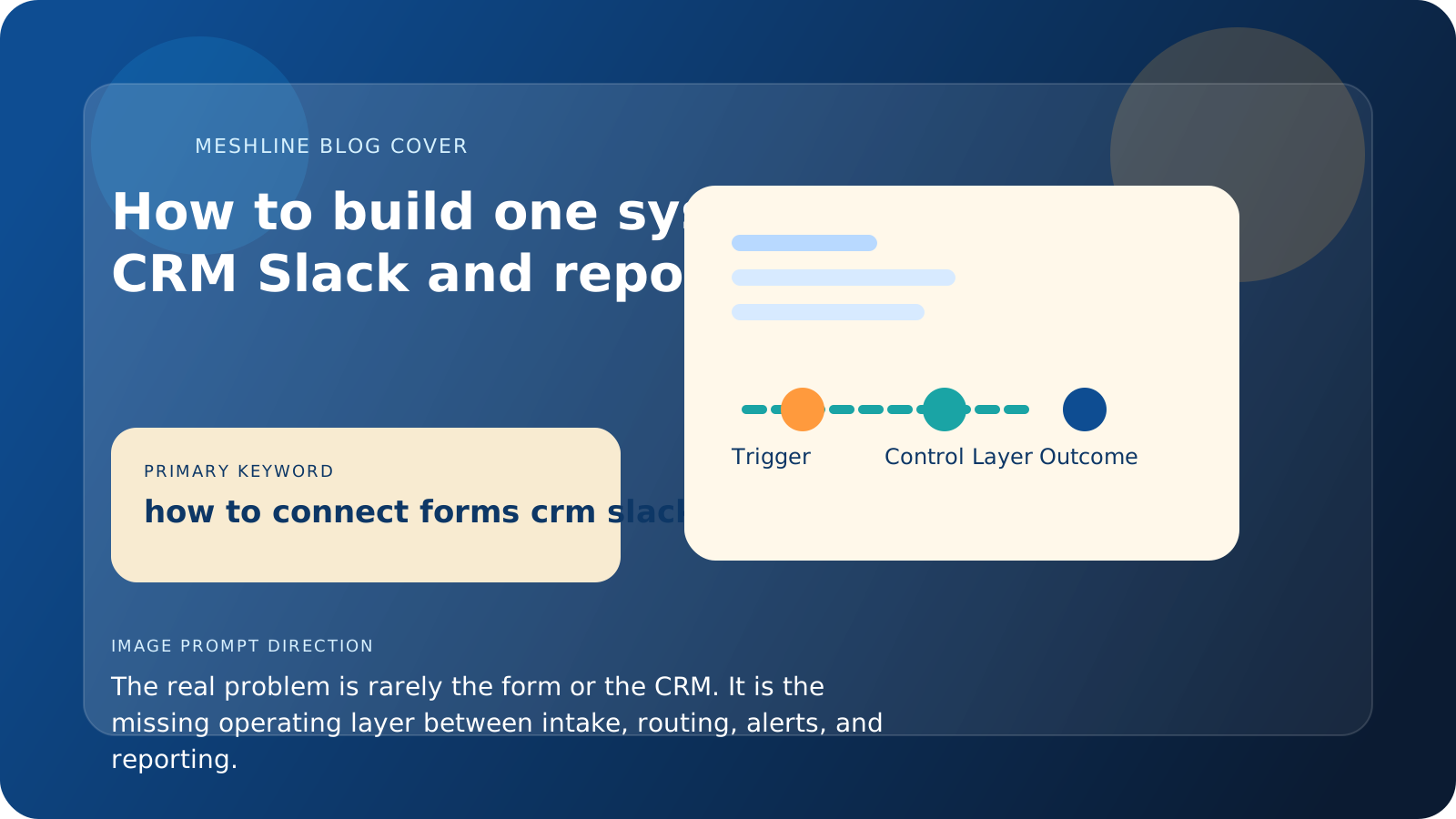
How to build one system for forms CRM Slack and reporting
The real problem is rarely the form or the CRM. It is the missing operating layer between intake, routing, alerts, and reporting.
How to build one system for forms CRM Slack and reporting starts with one rule: the same workflow has to govern intake, qualification, notification, and final reporting state.
The workflow usually starts in a form, moves through a CRM, triggers a chat message, and ends in a sheet or dashboard. On paper, that sounds connected. In practice, the process often leaks context at every step.
That is why teams can have all the tools they need and still feel like the workflow is manual.
Meshline's point of view is that forms, CRM, Slack, and reporting only become one system after the business defines the rules in the middle. Intake alone is not the workflow. Alerts alone are not the workflow. The real value is in validation, routing, exception handling, and outcome recording.
That is why forms CRM Slack and reporting should be described as one operating path from the first paragraph onward. If the team cannot name the trigger, the owner, and the final reporting event in one sentence, the workflow is still fragmented.
How to build one system for forms CRM Slack and reporting
Typeform or another intake tool captures the request. HubSpot or Salesforce stores the account record. Slack sends the team a signal. Google Sheets or another reporting layer records the result.
The failure happens in the spaces between those tools.
Who decides whether the request is qualified?
What happens if key information is missing?
When should the CRM create the next action?
Who gets notified in chat, and under what conditions?
When does reporting update, and what counts as done?
If the answer to those questions lives partly in one app, partly in a second app, and partly in people's heads, then the workflow is not one system. It is a chain of partial systems.
A concrete example is a Typeform request that creates a HubSpot contact, sends a Slack notification to revenue ops, and updates a Google Sheet once the deal is accepted. If request type, owner, source, and approval status are not validated up front, the team spends the rest of the week correcting the same record downstream.
Another named-system example is a franchise intake workflow where Webflow forms capture the lead, HubSpot stores location and service-line context, Slack alerts only the regional queue owner, and Looker Studio updates after the appointment outcome is confirmed. If service area, franchise owner, or campaign source are missing, the workflow should pause before the Slack alert rather than asking three teams to reconcile the record after the customer has already heard back.
A third realistic pattern is a partner referral form that writes into HubSpot, routes regional ownership in Salesforce, posts only the approval-needed event to Slack, and updates a Looker Studio dashboard after the accepted meeting is booked. That forms CRM Slack and reporting chain works because the state changes are explicit, not implied.
For example, a B2B intake flow might use Typeform for capture, HubSpot for qualification, Salesforce for account ownership, Slack for exception-only review, and Google Analytics for campaign attribution. When those systems share one rule set for source, owner, and final status, the reporting layer stops depending on spreadsheet cleanup.
A fourth named-system example is a support-intake workflow where a Gravity Forms submission creates the record, HubSpot owns lifecycle status, Slack only alerts the service queue when the intake is complete, and Looker Studio updates after the ticket closes. If lifecycle stage, queue owner, or close reason are not controlled from one operating path, the reporting output still depends on manual cleanup.
For example, a field-services team might use Typeform for intake, HubSpot for account and region assignment, Slack for dispatch approval, and Power BI for weekly completion reporting. If dispatch zone, job owner, or completion code can drift between those systems, the workflow still looks connected while operators keep repairing the reporting trail by hand.
What a single operating flow should actually do
A well-designed intake-to-reporting workflow should:
- capture the trigger cleanly
- validate the incoming data
- decide the next step automatically where possible
- notify the right owner only when action is needed
- update reporting from workflow state instead of spreadsheet cleanup
That is the difference between connected tools and an operating model.
Those rules should also be field-specific. Which system owns source? Which field determines qualification? Which event updates the reporting row? What happens if the CRM record already exists or the Slack approval times out? Strong systems answer those questions before launch.
Why teams get stuck in alert-driven operations
One of the biggest mistakes is using chat as a substitute for workflow ownership.
If every important state change becomes a Slack message, the team starts managing work through notifications instead of through a controlled system. That creates noise, unclear ownership, and status chasing.
Chat should support the workflow. It should not be the workflow.
Trigger, owner, exception path, and outcome
A healthy forms-CRM-Slack-reporting workflow is easy to describe. Trigger: one form submission or status event starts the run. Owner: one person or queue owns the next decision. Exception path: missing fields, duplicate contacts, failed notifications, or ambiguous qualification rules enter a visible queue. Outcome: the CRM and reporting layer reflect the same final state without manual cleanup.
That is also where Meshline becomes concrete rather than abstract: Workflow Orchestrator, Revenue Intel Module, and the Automation glossary give teams one place to define the routing rule, the reporting event, and the exception owner.
Where Meshline fits
Meshline gives this stack an operating layer.
Instead of making the form, CRM, chat, and reporting tool guess what each other mean, Meshline can own the routing logic between them. That means the workflow has one place for decision rules, exception handling, approval paths, and outcome visibility.
The practical result is simpler than it sounds: fewer lost requests, fewer duplicate updates, and fewer cases where someone has to manually explain what already happened.
Implementation playbook
- Validate required form fields before the CRM write happens.
- Assign one authoritative owner for status and qualification changes.
- Send Slack only the notifications that require human action.
- Update reporting from workflow state, not from end-of-week spreadsheet repair.
- Keep retry and exception history visible so failed runs can be replayed safely.
A realistic pattern is a Typeform lead that becomes a HubSpot record, posts only approval-worthy events into Slack, and writes one clean conversion row into Google Sheets after the deal outcome is final. That beats sending every state change as a chat notification and hoping someone reconstructs the story later.
That same pattern works for service requests, onboarding flows, and internal approvals because the rule is the same: forms CRM Slack and reporting should describe one workflow, not four disconnected surfaces.
If the intro takeaway is simple, it is this: forms CRM Slack and reporting only become one system when the workflow has one validated trigger, one routing rule, and one final reporting event that every tool can trust.
A second realistic example is an inbound partner request that starts in Typeform, creates an account in Salesforce, alerts only the owning rep in Slack, and writes an accepted-or-rejected outcome into a dashboard. That kind of forms CRM Slack and reporting flow stays healthy because the state changes are governed, not improvised.
A strong subheading rule is simple too: forms CRM Slack and reporting should be named explicitly wherever the workflow is described, because the system only feels unified when the team can see the same path reflected in intake, routing, alerts, and reporting language.
Why these four tools often create fake visibility
Many teams believe they have a connected system because the form submits, the CRM gets a record, Slack posts a message, and reporting shows a number. But that is not the same thing as one operating flow. It may only mean each tool recorded part of the story.
The missing layer is usually ownership. Who validates the record? What changes the next status? Which event should update reporting? Without those answers, the workflow still depends on manual interpretation.
What a healthy cross-system workflow should feel like
A healthy cross-system workflow should feel boring in the best way. Intake happens, ownership is clear, alerts are meaningful, and reporting stays current without a cleanup ritual. Teams notice the system less because they are no longer compensating for it constantly.
Why the middle of the workflow matters most
The form and the report get the most attention because they are the most visible surfaces. The real value lives in the middle: validation, routing, review, and exception handling. If that middle is weak, the beginning and end will always look shakier than they should.