
 MeshLine
How to automate recurring admin work without hiring more staff
Recurring admin work usually expands because nobody owns the system behind it. The fix is an operating layer that handles routine decisions before more hiring becomes necessary.
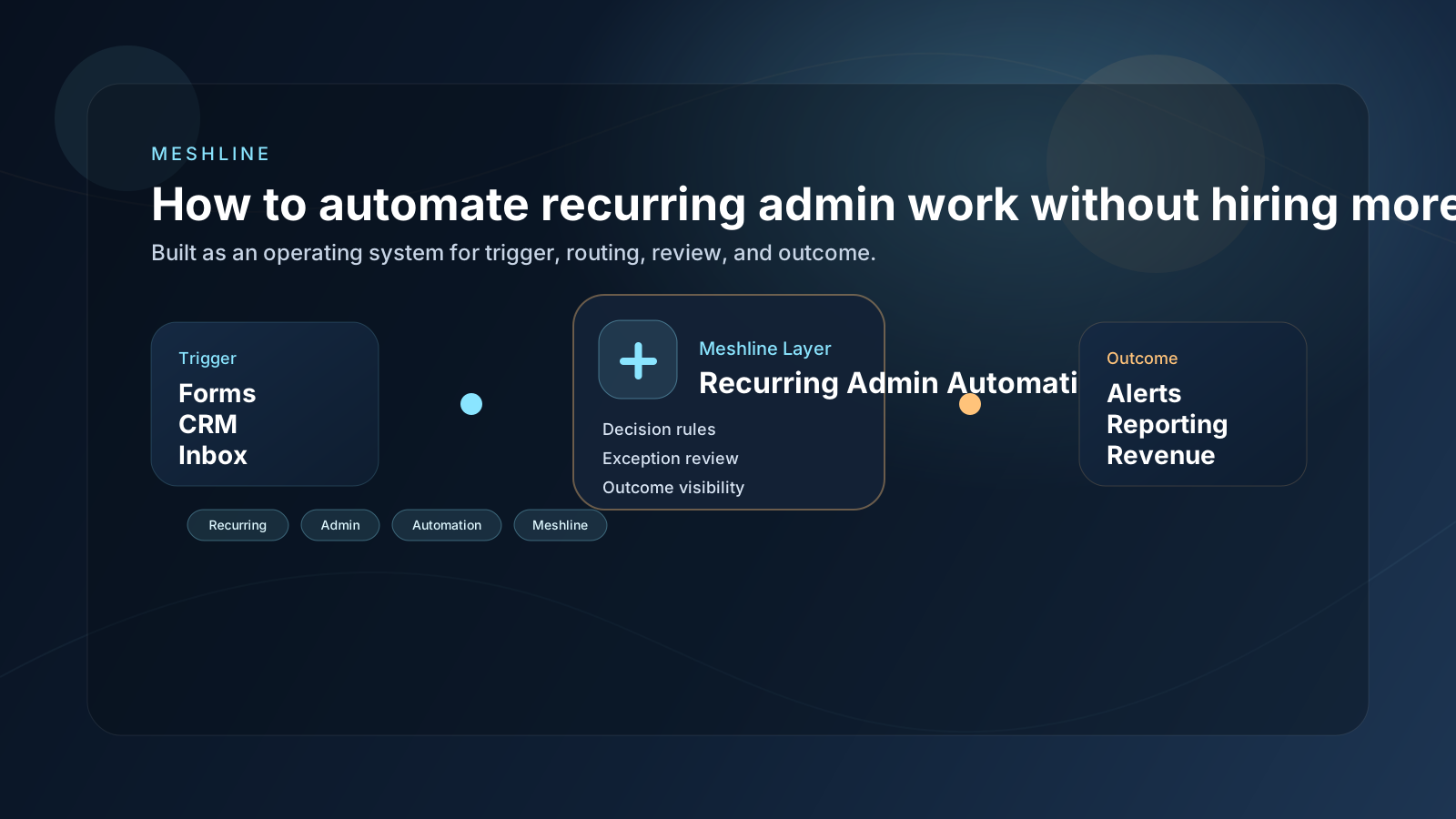
How to automate recurring admin work without hiring more staff
Recurring admin work usually expands because nobody owns the system behind it. The fix is an operating layer that handles routine decisions before more hiring becomes necessary.
Automate recurring admin work without hiring more staff
To automate recurring admin work without hiring more staff, the business needs one workflow that handles routine triggers, approvals, and final status updates before the team adds more headcount just to move information around.
Most teams searching for "how to automate recurring admin work" do not actually have a tooling problem first. They have a coordination problem. Work gets stuck between intake, approval, routing, and reporting, so the business keeps paying for extra apps and extra human effort just to move one task from one stage to the next.
That is why the same stack can include Slack, Google Sheets, HubSpot, Notion, ClickUp, Asana and still feel manual. Each tool might handle one piece of the job, but nobody owns the full path from trigger to outcome.
Why this workflow keeps leaking time and money
The failure usually starts in the handoff layer. A form is submitted, a CRM changes, a spreadsheet gets updated, or a manager drops a note in chat. Then the team has to interpret what that event means, decide who owns it, and manually push the next step forward.
That is expensive because recurring admin automation is rarely just one action. It is a chain of small decisions. When those decisions live in people instead of the system, the company ends up paying for delay, missed follow-up, duplicate data, and more software to patch over the same gap.
What a better operating model looks like
A useful workflow system does four things well:
- It captures the real trigger once.
- It decides what should happen next without asking a person to translate context between apps.
- It routes work to the right queue, owner, or approval step.
- It records the outcome so reporting reflects what actually happened.
That is the difference between a bundle of apps and an operating layer. The bundle still needs people to be glue. The operating layer removes the glue work.
How to use Meshline for recurring admin automation
1. Start with the trigger
Document the exact signal that starts the workflow. Do not start with the downstream task board. Start with the moment the business first knows the work exists.
2. Encode the decision path
Most wasted effort happens because the team has to decide the same things repeatedly. Is this qualified, urgent, billable, approved, or ready for handoff? Put those decisions into the system so the next step is predictable.
3. Review exceptions, not routine work
Operators should step in when judgment matters. They should not be moving every record, updating every status, or chasing every teammate for context.
4. Make the outcome visible
A workflow is not complete when a task changes tools. It is complete when the downstream outcome is visible to the people who depend on it.
A practical example
Imagine a business where new work enters through a form, the details land in a CRM, the team gets notified in chat, and reporting updates at the end of the week. On paper, that sounds organized. In practice, it often depends on one person checking whether the record is complete, another person deciding who owns it, and someone else updating the final status later.
That is why how to automate recurring admin work is really about system design. The company does not need another thin point solution. It needs one execution layer that keeps the workflow moving from the first signal to the last outcome.
A realistic example is a weekly invoicing prep flow where a Google Form collects requests, HubSpot confirms account ownership, Asana tracks missing approvals, Slack only alerts the finance reviewer when an exception appears, and Google Sheets updates after the invoice package is complete. That recurring admin work shrinks because the system owns the routine decisions before anyone has to chase context manually.
The checklist to diagnose the bottleneck
- Where does the workflow begin?
- Where does a human still have to translate or retype information?
- Which steps require approval and which should be automatic?
- Where does the team currently lose visibility?
- Which tools are only being paid for because the handoff is broken?
If you can answer those questions clearly, you can usually simplify the stack without losing capability. If you cannot, the workflow is still scattered across too many surfaces.
Why the usual software-buying pattern fails
Teams often buy one more app because it seems faster than redesigning the workflow. That works for a week, then the new tool creates one more login, one more sync rule, one more billing line, and one more place where context can drift.
The hidden cost is not only subscription spend. It is the time people spend coordinating around the toolset. That is why Meshline is useful in this category. Recurring admin work should run through one decision layer so teams can grow output without adding headcount just to move routine status, approval, and follow-up work along.
Where Meshline fits
Meshline is not meant to replace every application in the stack. It acts as the operating layer across the stack so triggers, routing, approvals, and outcomes stay connected. That means you can keep the tools that already matter while removing the manual coordination that makes them feel expensive.
Final takeaway
The fastest path to better operations is usually not buying one more app. It is designing recurring admin automation as one system, then letting the system do the repeatable work. When trigger, decision, review, and outcome live in one Meshline flow, teams get back hours, reduce software overlap, and make the business easier to run.
What recurring admin work usually includes
Recurring admin work often looks harmless because each step is small. A status update here, an approval there, a spreadsheet cleanup on Friday, a reminder in chat, a billing note, a customer follow-up, a task reassignment. The business gets used to these moments and treats them as the normal cost of operating.
The problem is that those steps stack together. A team can spend ten or fifteen minutes at a time handling tiny pieces of admin work and still lose a full day every week. That is why the right approach is not to ask which admin task to automate first. It is to ask which recurring chain of admin decisions should become a system-owned flow.
The headcount question most teams ask too early
Many teams assume they need another coordinator, assistant, or operations hire because routine work keeps expanding. Sometimes that is true, but often the deeper issue is that the system never absorbed the repeatable decisions. Hiring into a broken handoff pattern only makes the process more expensive. It does not make it more reliable.
A better model is to let Meshline own the routine path while the team owns the exceptions. That gives the business leverage before it adds salary, training load, and management overhead.
Implementation pattern to start this week
Pick one recurring admin workflow that already has a predictable trigger, one clear owner, and one measurable outcome. Build that flow first. Once the team trusts that the routine path is stable, use the same structure for related admin work instead of creating a new process every time volume increases.